
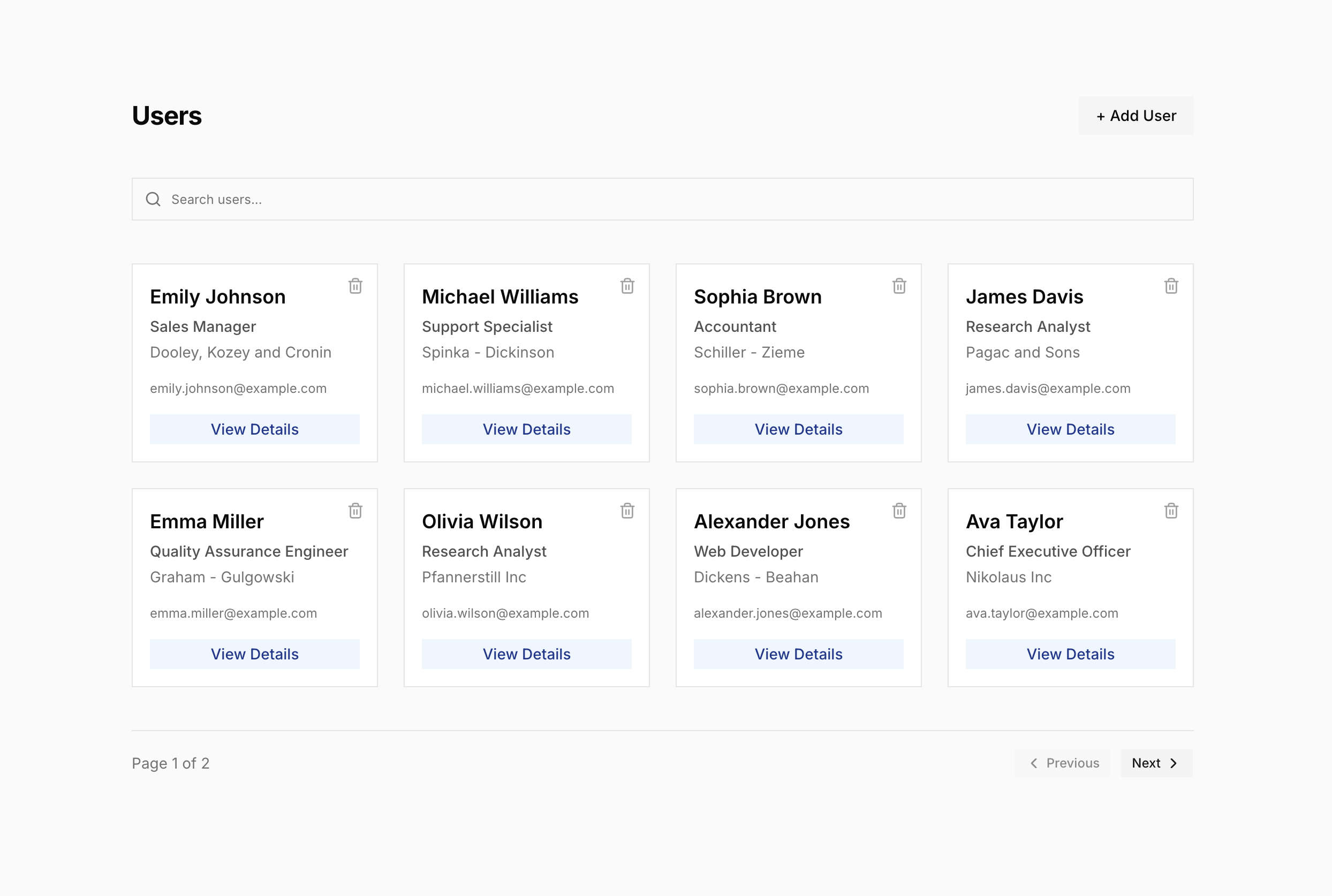
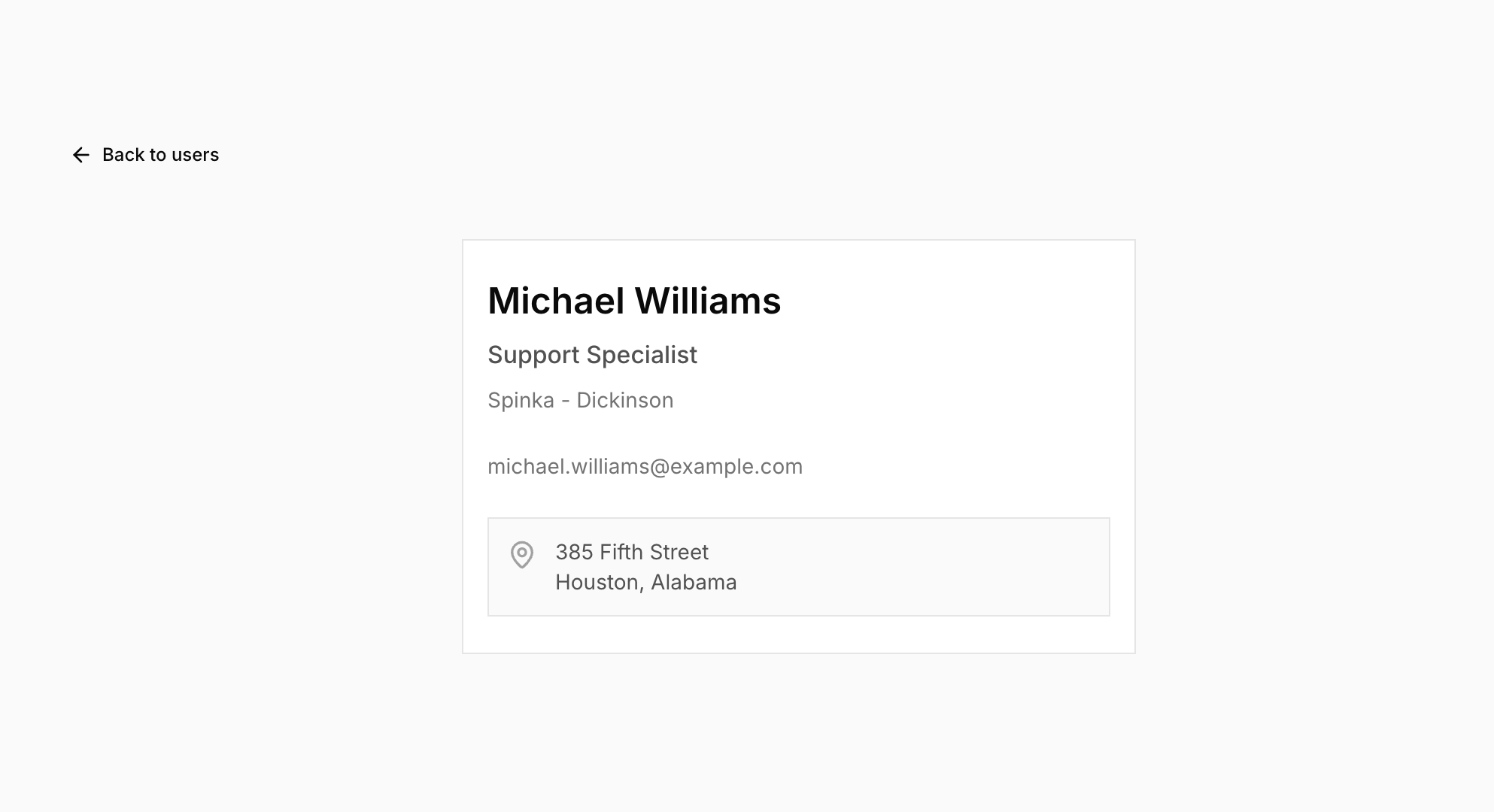
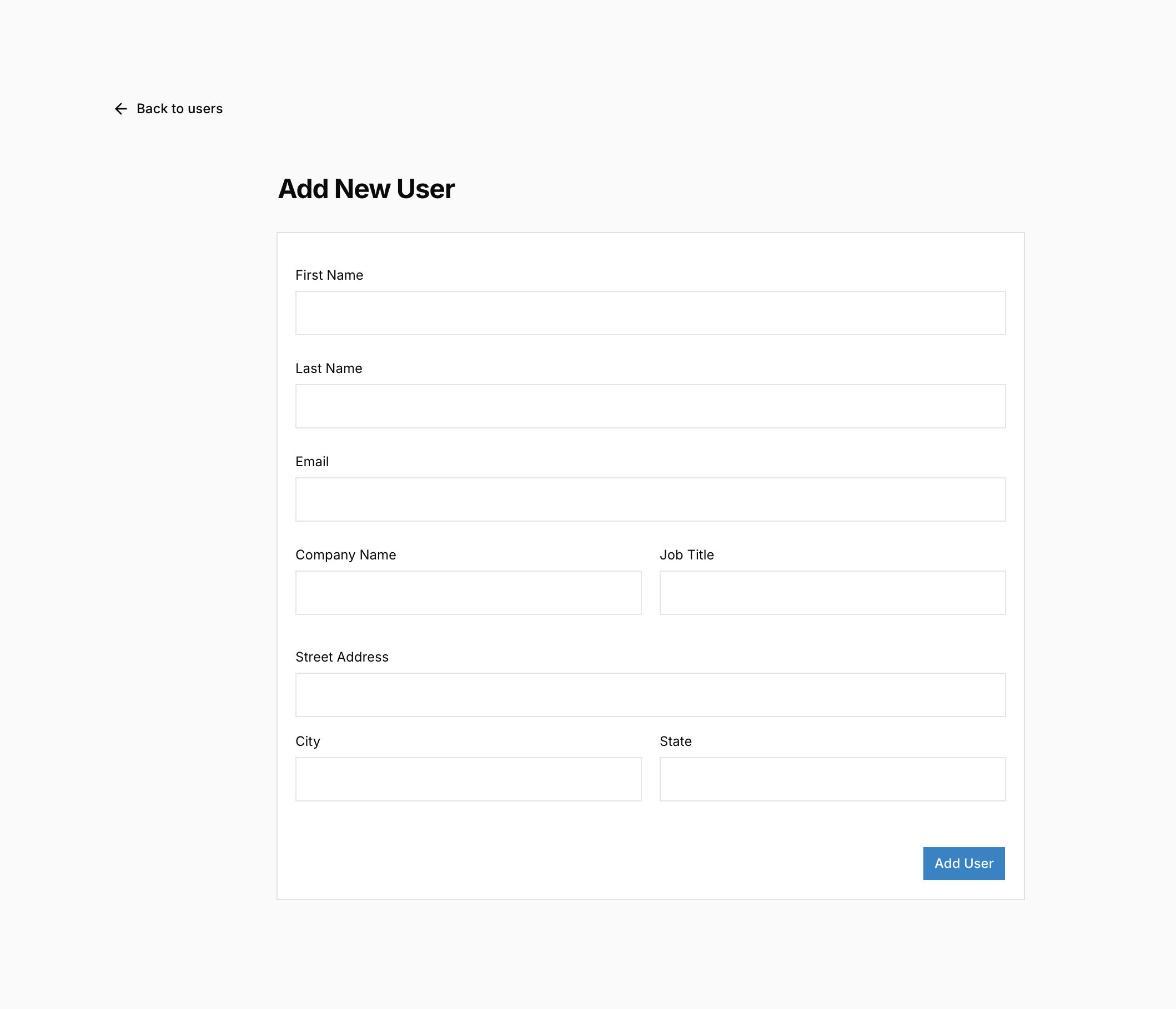
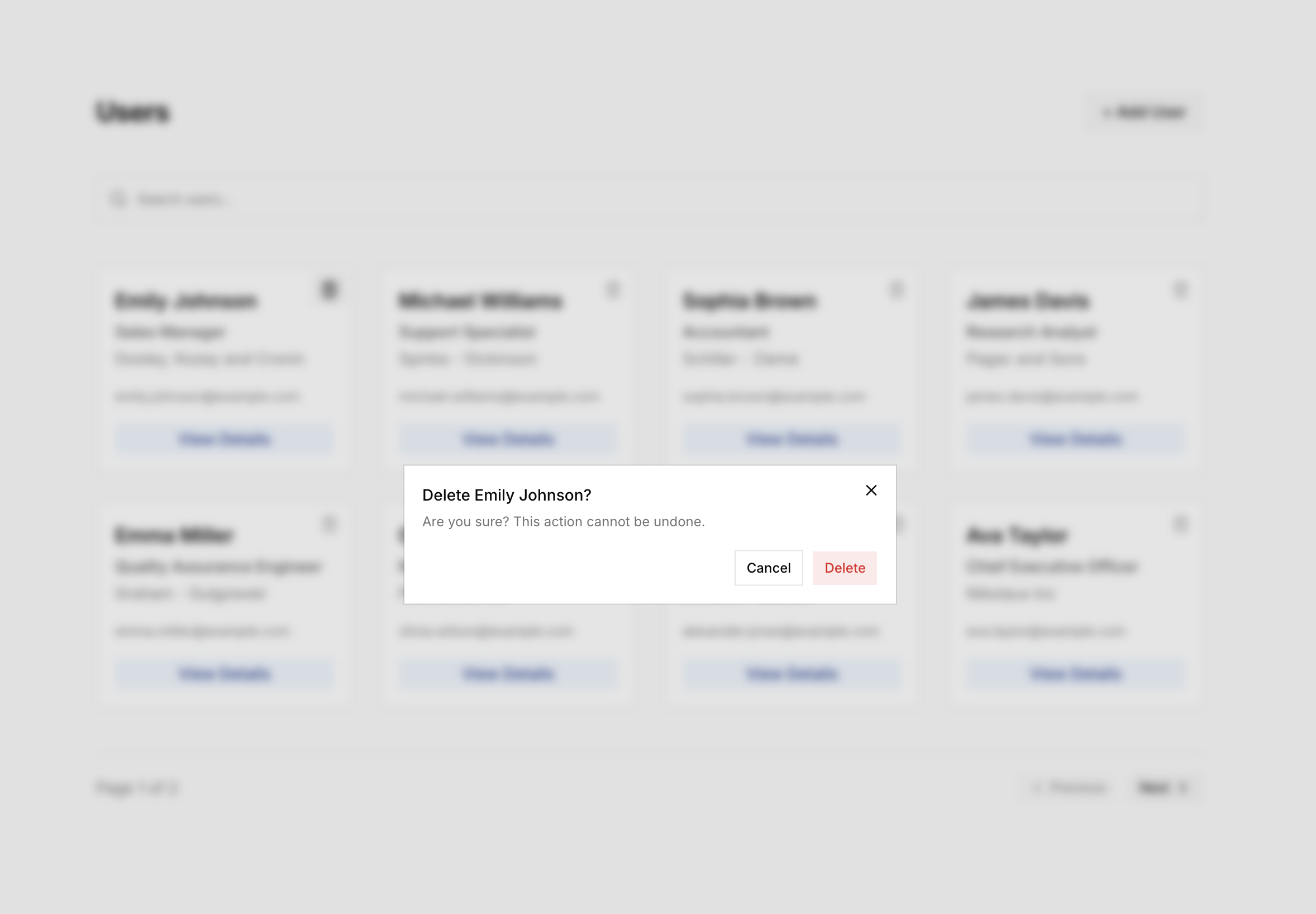
In this course, you’ll build an application that fetches and displays a list of users on the home page. Each user card has a View Details link that takes you to that user’s detail page. The application includes features to add new users and delete existing ones. It also supports search and pagination.
Here’s what the finished application looks like:
Home Page
User Details Page
Add User Form
Delete User Confirmation Dialog
How the Backend Works
The application uses json-server as its backend. In the root of the project you cloned, you’ll find a db.json file. json-server takes this file and automatically generates a full REST API from it. Each top-level key in the file becomes an endpoint. For example, our db.json has a users key, so json-server creates a /users endpoint that supports GET, POST, PUT, PATCH, and DELETE requests. Any changes made through the API are persisted back to the file.
json-server is a prototyping tool, not a production backend. But from the
frontend’s perspective, it behaves like a real API. It accepts HTTP requests
and returns JSON responses.
As you work through the course, you’ll encounter 3 query parameters — q,
_page, and _limit — in the API calls. These are not names I chose arbitrarily;
they are reserved parameter names defined by json-server.
qperforms a full-text search across all fields. For example,GET /users?q=sophiareturns all users where any field contains"sophia"._pageselects which page of results to return._limitcontrols how many items are returned per request.
You don’t need to understand json-server in depth to follow this course. Just know that when you see these parameters, they’re part of json-server’s API, and I’ll point them out when they first appear in the code.